Procreate & Photoshop Hair Brushes
Digital illustration has evolved rapidly, moving from flat colors to hyper-realistic textures that mimic traditional media. For artists specializing in character design, fashion illustration, or portrait work, rendering hair remains one of the most challenging aspects of the craft. This is where specialized tools like Hair Brushes Procreate and Photoshop 67 become essential assets in your digital toolkit. This collection is not just a random assortment of shapes; it is a curated library designed to streamline the process of creating believable, dynamic strands and voluminous styles.
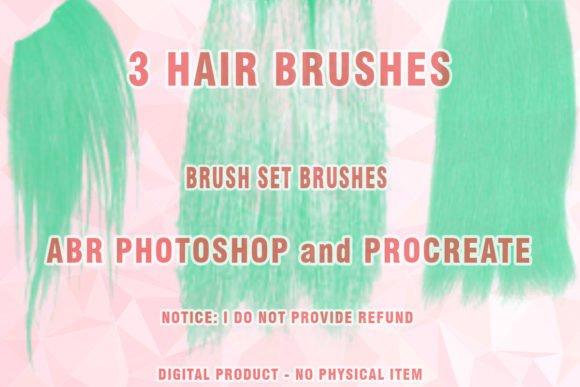
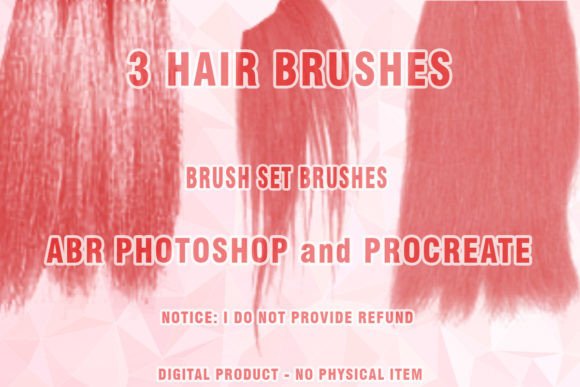
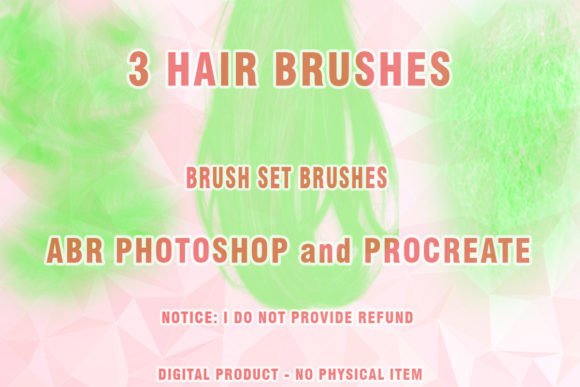
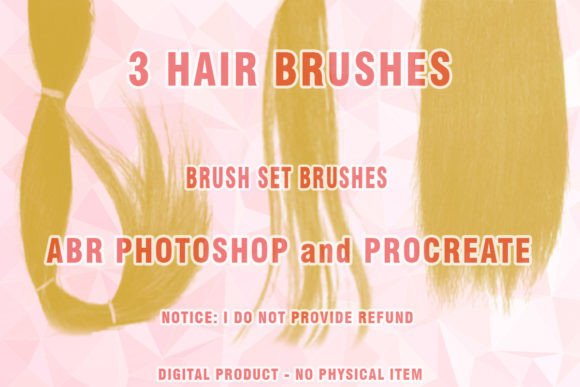
The core of this product includes 67 high-quality brushes compatible with both Procreate and Adobe Photoshop, alongside an additional set of 3 Hairbrushes, Wigs ABR Photoshop files specifically optimized for wig rendering and complex hairstyles. Whether you are working on Digital hair for a comic book character or refining the Painted hair on a realistic portrait, these tools offer the versatility needed to achieve professional results without starting from scratch.
Understanding the Technical Foundation
Before diving into creative applications, it is crucial to understand the technical specifications of this digital product. The primary file format provided is .ABR, which stands for Adobe Brush. This format is widely supported across various versions of Photoshop and can be imported into Procreate with ease. Because these are Abr brushes, they retain pressure sensitivity, tilt support, and opacity dynamics, allowing for natural variation in stroke weight and texture.
It is important to note that this is a digital product. Upon purchase, you do not receive a physical item. Instead, you download the file and receive the hair brushes file format of the brushes . ABR. To access these files, you must have a decompression tool installed on your device. PLEASE DOWNLOAD ZIP PROGRAM if you do not already have one, as the files are compressed in .ZIP format to ensure fast and secure delivery. Once extracted, you can import them directly into your preferred software.
Compatibility is another key consideration. While these brushes are designed for modern workflows, users should be aware of their software environment. This Brush set may or may not work partially on very old versions of Photoshop that are no longer supported by developers, such as CS3 or earlier versions. For optimal performance and full feature access, using recent versions of Photoshop CC or the latest updates of Procreate is recommended.
Tailored Value for Different Creators
The utility of Wigs Photoshop Brushes and general hair tools varies significantly depending on your role and goals. What matters to a freelance illustrator may differ greatly from the priorities of a small business owner creating marketing assets.
For Beginners and Hobbyists
If you are new to digital art, painting hair can feel intimidating. Traditional methods require mastering complex layering techniques and understanding light physics. This Brush set lowers the barrier to entry. For beginners, the value lies in ease of use and learning value. Instead of struggling to create a single strand manually, you can use pre-configured brushes to understand how hair flows and clusters. It provides immediate visual feedback, helping you build confidence. The priority here is not just speed, but the educational aspect of seeing how professional-grade textures behave under different pressures.
For Professional Illustrators and Concept Artists
Experienced artists often face tight deadlines. For professionals, the primary benefit of Hair Brushes Procreate and Photoshop 67 is speed and reliability. When working on character sheets or concept art, you need to iterate quickly. These brushes allow for rapid blocking-in of shapes and detailed refinement without switching between multiple tools. The inclusion of specific Wigs Photoshop Brushes is particularly valuable for character designers who need to experiment with different hairstyles efficiently. The focus here is on flexibility and maintaining high quality while reducing production time.
For Entrepreneurs and Small Business Owners
Creators running online shops or offering commission services need to deliver consistent, high-quality work to maintain their reputation. Using standardized, high-quality Abr brushes ensures that your output remains professional regardless of the project's complexity. For marketers and bloggers who create their own visuals, these tools offer a cost-effective way to produce unique content without hiring external illustrators. The commercial value comes from the ability to create eye-catching graphics that stand out in crowded social media feeds, enhancing brand identity through distinctive artistic styles.
For Educators and Publishers
Educators teaching digital art can use this set as a teaching aid to demonstrate texture and flow. By analyzing how these brushes interact with the canvas, students can learn about stroke dynamics and layering. Publishers looking for cover art or interior illustrations may find that artists using such specialized tools can deliver more polished results faster, impacting the overall production timeline positively.
Practical Applications and Workflow Integration
To get the most out of this collection, consider integrating it into specific stages of your workflow. Here are practical examples of how different users might apply these tools:
- Character Design: Use the broader strokes to block in the general shape of the hairstyle, then switch to finer Digital brush settings to add flyaways and highlights. This creates depth and realism.
- Fashion Illustration: Focus on the flow and movement of hair. The Painted hair capabilities allow for soft, blended edges that mimic watercolor or marker styles, ideal for fashion sketches.
- Portrait Retouching: When adding volume or correcting hairlines in photo manipulation, the Hair ABR files can blend seamlessly with photographic elements, providing a natural look that manual cloning often fails to achieve.
Evaluating Fit for Your Needs
Deciding whether Hair Brushes Procreate and Photoshop 67 is right for you depends on your current pain points. If you find yourself spending hours manually painting individual strands, this set offers a significant efficiency boost. If you struggle with making hair look voluminous rather than flat, the texture variations in this Brush set provide the necessary depth.
However, it is essential to manage expectations. These brushes are tools, not magic wands. They require practice to master. The long-term usefulness of the product depends on your willingness to experiment with settings like opacity, flow, and size jitter. For those willing to invest time in learning the nuances of each brush, the return on investment is substantial in terms of both creative freedom and productivity.
In summary, this collection serves a diverse range of digital creators. From the hobbyist looking to improve their skills to the professional seeking to optimize their workflow, Hair Brushes Procreate and Photoshop 67 offers a robust solution for digital hair rendering. By understanding the technical requirements, such as the need for a ZIP program and compatible software versions, and aligning the tool’s features with your specific creative goals, you can enhance your digital artistry effectively.