Evaluating the Hair Brushes Procreate and Photoshop 49 Collection
In the realm of digital illustration, few elements are as technically demanding or visually critical as hair. Whether creating character concepts, fashion illustrations, or realistic portraits, artists often spend a significant portion of their workflow rendering strands, volume, and texture. The Hair Brushes Procreate and Photoshop 49 collection aims to streamline this process by providing a specialized toolkit designed for both Adobe Photoshop and Procreate users. This article evaluates the utility, compatibility, and practical application of this brush set to help digital artists determine if it aligns with their creative workflow.
Understanding the Product Composition
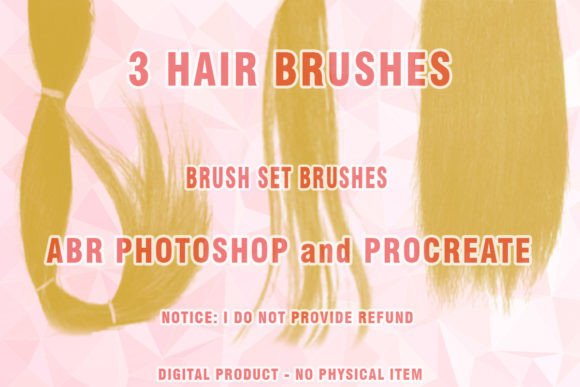
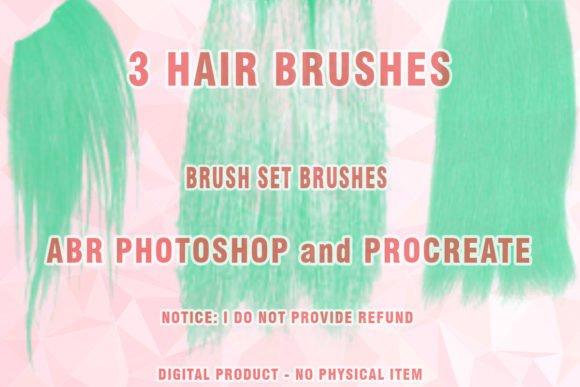
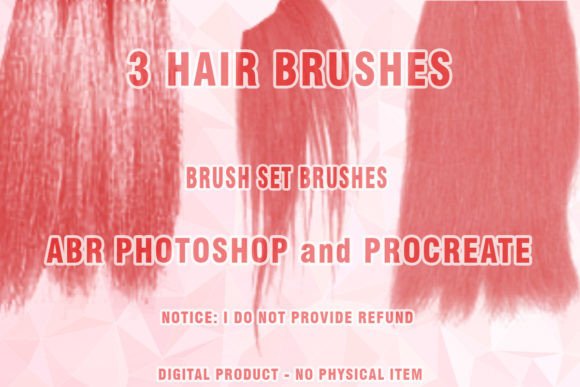
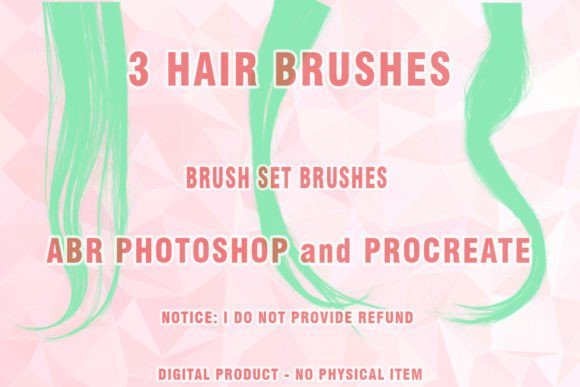
This digital product is not a physical item but a downloadable asset pack containing specialized brush presets. The core offering includes 49 distinct brushes optimized for creating digital hair, along with three additional specialized hairbrushes. These tools are engineered to mimic the behavior of traditional media while leveraging the advantages of digital pressure sensitivity and layer blending modes. The primary file format provided is .ABR, which is the standard brush extension for Adobe Photoshop. For users working within the Apple ecosystem, compatible versions for Procreate are typically included or adapted, ensuring cross-platform utility for artists who switch between desktop and tablet environments.
It is important to note that these files are distributed in a compressed .ZIP format. Users must have a reliable ZIP extraction program installed on their device to access the individual .ABR files. Failure to extract the archive correctly may result in errors when attempting to load the brushes into the software. This is a standard distribution method for digital assets, but it requires a minor technical step before the artistic work can begin.
Key Benefits for Digital Artists
The primary advantage of using a dedicated brush set like this is efficiency. Painting hair from scratch using standard round or flat brushes can be time-consuming, requiring manual construction of each strand or clump. Pre-configured Abr brushes allow artists to generate complex textures with single strokes. This is particularly beneficial for:
- Rapid Prototyping: Concept artists can quickly iterate on character hairstyles without getting bogged down in rendering details during the early stages.
- Consistency: The brushes maintain a uniform style, helping to keep the look of painted hair consistent across different parts of an illustration or even across multiple pieces in a series.
- Texture Variety: With 49 options, the set likely covers a range of hair types, from straight and silky to curly and coarse, as well as specific tools for rendering wigs or synthetic fibers which have different light reflection properties than natural hair.
Furthermore, the inclusion of specific Wigs Photoshop Brushes suggests a niche focus on fashion illustration or costume design, where the structure and sheen of synthetic hair differ significantly from organic strands. This specialization can save artists from having to manually adjust standard brush settings to achieve that specific plastic-like or high-gloss finish.
Compatibility and Technical Considerations
Before purchasing or downloading, users must evaluate their software environment. The product description explicitly states that this set may not work partially or at all on very old versions of Photoshop, specifically CS3 or earlier. Adobe has significantly updated its brush engine over the years, introducing features like dual brush tips, texture dynamics, and advanced transfer settings that older versions cannot interpret. Therefore, artists using modern Creative Cloud subscriptions will likely experience full functionality, while those relying on legacy software may face limitations.
Additionally, while the title mentions Procreate, the primary file format discussed is .ABR. Procreate does not natively open .ABR files in the same way Photoshop does. Usually, developers provide separate .brushset files for Procreate or instructions on how to import compatible formats. Users should verify that the download includes native Procreate files if they intend to use them on an iPad. If only .ABR files are provided, the workflow may require conversion or may not translate perfectly, affecting pressure sensitivity and tilt response.
When This Brush Set Is a Strong Fit
This collection is ideally suited for intermediate to advanced digital painters who already understand the fundamentals of light, shadow, and form. Brushes are tools, not magic solutions; they require skillful application to look natural. If you are a character designer, fashion illustrator, or portrait artist who finds themselves repeatedly painting hair and wishes to reduce repetitive strain and time expenditure, this set offers a logical solution. It is also a strong fit for artists who struggle with creating believable hair textures and want a reference framework to study how digital strokes can mimic organic flow.
The set is particularly valuable for those working in styles that favor painted hair over hyper-realistic strand-by-strand rendering. Styles that lean towards semi-realism, anime, or stylized realism benefit greatly from textured brushes that imply detail rather than drawing every single hair.
Situations Where Alternatives May Be Preferable
However, there are scenarios where this specific Hair ABR collection might not be the best choice. Beginners who are still learning how to construct form may find that relying on specialized brushes hinders their fundamental development. It is often more educational to learn how to create hair textures using basic round brushes and layer masks before transitioning to specialized tools. Additionally, if an artist requires hyper-realistic, photographic-level detail where every individual follicle is visible, a brush set may feel too stylized or repetitive. In such cases, custom-created brushes or photo-bashing techniques might yield better results.
Moreover, if an artist works exclusively in software other than Photoshop or Procreate, such as Clip Studio Paint or Krita, the .ABR format may not be directly compatible. While some programs can import Photoshop brushes, the translation of dynamics and settings is not always perfect, potentially leading to a frustrating user experience.
Making an Informed Decision
To determine if the Hair Brushes Procreate and Photoshop 49 set is right for you, consider your current workflow bottlenecks. Do you spend disproportionate amounts of time on hair? Do you struggle with the texture of synthetic wigs or specific hair types? If the answer is yes, this toolset provides a targeted solution. Ensure you have a modern version of Photoshop and the necessary software to unzip the files. Evaluate whether your artistic style benefits from the implied texture of brush strokes or requires meticulous manual detailing. By aligning the tool’s capabilities with your specific project needs and technical setup, you can maximize the value of this digital asset and enhance your overall productivity in digital painting.