Hair Brushes for Procreate & Photoshop
Digital illustration has evolved rapidly, moving from basic shapes to hyper-realistic textures that mimic traditional media. Among the most challenging elements to render convincingly is hair. Whether you are designing a character for a video game, illustrating a fashion editorial, or creating social media content, the difference between flat, cartoonish strands and flowing, dynamic locks often defines the quality of the final piece. This is where specialized tools like Hair Brushes Procreate and Photoshop 42 become indispensable assets in your digital toolkit.
This collection is not just a random assortment of stamps; it is a curated set designed to streamline the workflow of digital artists. The package includes 42 distinct brushes optimized for both Procreate and Adobe Photoshop, alongside three additional specialized wig brushes. Understanding how these tools function and who they serve best can help you decide if they align with your current creative needs.
Understanding the Toolset
At its core, this product is a digital download. Upon purchase, you receive a compressed .ZIP file containing the brush files in .ABR format. The .ABR extension is the standard for Adobe Photoshop, but many of these brushes are also compatible with Procreate, making them versatile for artists who switch between iPad and desktop workflows. It is important to note that while these brushes are designed for modern software, compatibility may vary. They work seamlessly with current versions of Photoshop and Procreate, but may only function partially or not at all on very old, unsupported versions such as CS3 or earlier.
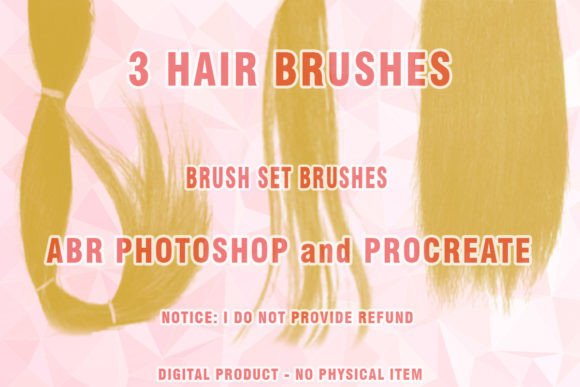
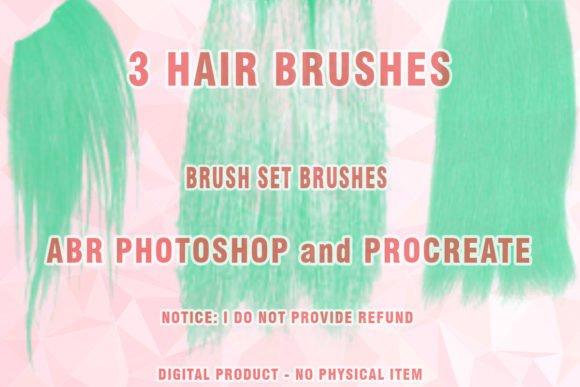
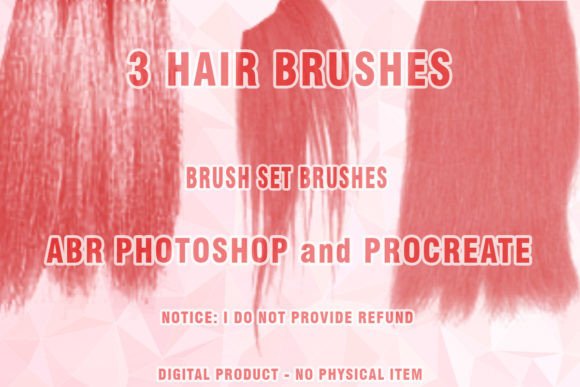
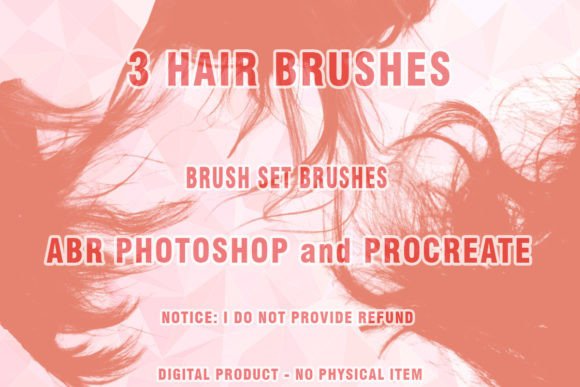
The set includes a variety of stroke types, from fine, single-strand details to broader, voluminous clumps suitable for base layers. The inclusion of specific "Wigs Photoshop Brushes" suggests a focus on stylized or complete head shapes, which is particularly useful for character designers who need to iterate quickly on different hairstyles without painting every individual strand from scratch.
Why Different Creators Care
The value of a brush set is subjective and depends heavily on the user’s role, skill level, and project goals. Here is how different audiences might evaluate and utilize Hair Brushes Procreate and Photoshop 42.
For Beginners and Hobbyists
If you are new to digital art, painting hair can be intimidating. The learning curve involves understanding light, shadow, flow, and texture simultaneously. For beginners, this brush set offers a shortcut to professional-looking results. Instead of struggling with basic round brushes to create texture, you can use pre-configured tools that handle the scattering and opacity variations automatically. This allows hobbyists to focus on composition and color theory rather than getting bogged down in technical execution. The primary priority here is ease of use and learning value. By seeing how the brushes lay down paint, newcomers can reverse-engineer the techniques used by professionals.
For Professional Illustrators and Concept Artists
Experienced artists often face tight deadlines. For a concept artist working in the gaming or film industry, speed is critical. They may need to present five different hairstyle variations for a character in a single day. Using generic brushes for each iteration is time-consuming. With this set, professionals can block out shapes rapidly using the wig brushes and add detail with the finer strands. Their priority is speed and flexibility. They evaluate the set based on how well the brushes integrate into their existing workflow and whether the strokes look natural enough to pass close inspection in high-resolution renders.
For Fashion Designers and Digital Marketers
Fashion illustrators and marketers creating content for beauty brands need high-impact visuals. The aesthetic quality of hair can make or break an advertisement for shampoos, styling products, or salons. For these users, the presentation and commercial value of the brushes are paramount. They need tools that produce glossy, healthy-looking hair that appeals to consumers. The "Painted hair" style offered by these brushes can help create aspirational imagery that resonates with target audiences. Additionally, bloggers and influencers who create their own graphics can use these tools to maintain a consistent, polished look across their social media channels without hiring a dedicated illustrator.
For Educators and Tutors
Art educators often look for resources that demonstrate specific techniques clearly. A brush set like this can serve as a teaching aid. Instructors can show students the difference between painting hair with a hard-edged brush versus a textured, scattered brush. It helps in explaining concepts like volume and direction. For educators, the reliability and clarity of the tool are key. They need brushes that behave predictably so that students can focus on the lesson rather than troubleshooting software issues.
Practical Applications and Workflow Integration
To get the most out of this set, consider how it fits into your specific project type. If you are creating a portrait, start with the broader brushes to establish the overall shape and volume of the hair. Use the mid-tone brushes to define major clumps and flow directions. Finally, use the finest strands to add flyaways and highlights. This layered approach mimics the way light interacts with real hair.
For character designers, the three included wig brushes are particularly useful for rapid prototyping. You can test out a bob, long waves, or an updo in minutes. This iterative process is crucial for finding the right silhouette for a character before committing to detailed rendering.
It is also worth considering the technical aspects. Since the files are delivered in .ZIP format, ensure you have software capable of extracting these archives. Once extracted, importing .ABR files into Photoshop is straightforward via the Brush panel. For Procreate users, check the specific import instructions provided with the download, as the process may differ slightly depending on your iOS version.
Evaluating Fit for Your Needs
Before downloading, ask yourself what your primary goal is. Are you looking for hyper-realism, or do you prefer a stylized, painterly look? This set leans towards a painted aesthetic, which is versatile but may not suit every artistic style. If you specialize in clean, vector-like line art, these textured brushes might feel too loose. However, if your work involves digital painting, matte painting, or conceptual illustration, these tools can significantly enhance your efficiency.
Cost is another factor. Compared to hiring a specialist or spending hours creating custom brushes from scratch, purchasing a pre-made set is a cost-effective solution. For freelancers and small business owners, this investment can pay for itself by reducing the time spent on repetitive tasks. The long-term usefulness of the set depends on how often you illustrate human or animal subjects. If hair is a recurring element in your portfolio, these brushes will likely become a staple in your library.
Ultimately, Hair Brushes Procreate and Photoshop 42 offers a blend of convenience and quality. It bridges the gap between technical skill and artistic vision, allowing creators of all levels to produce compelling digital hair with greater confidence and speed. Whether you are a student learning the ropes or a seasoned pro looking to optimize your workflow, evaluating this tool against your specific creative demands will help you determine if it is the right addition to your digital arsenal.