Mastering Digital Strands: A Guide to Hair Brushes Procreate and Photoshop 43
In the evolving landscape of digital art, few elements are as challenging yet rewarding to master as hair. Whether you are illustrating a character for a graphic novel, retouching a fashion photograph, or designing concept art for a video game, the texture, flow, and volume of hair can make or break the realism of your piece. This is where specialized tools become indispensable. The Hair Brushes Procreate and Photoshop 43 collection represents a significant resource for artists seeking to streamline their workflow while achieving high-quality, organic results. By integrating these tools into your creative process, you move beyond manual, stroke-by-stroke rendering into a realm of efficient, dynamic creation.
The Evolution of Digital Hair Rendering
Traditionally, painting hair required immense patience. Artists would spend hours drawing individual strands, layering them to create depth and shadow. While this method offers control, it is time-consuming and often leads to stiff, unnatural results if not executed with extreme precision. The introduction of dedicated Abr brushes and digital assets has shifted this paradigm. These tools are designed to mimic the natural clumping, flyaways, and sheen of real hair, allowing creators to focus on composition and lighting rather than repetitive mechanical tasks.
The Hair Brushes Procreate and Photoshop 43 set is not merely a collection of static stamps; it is a curated system of Digital brush engines that respond to pressure, tilt, and speed. This responsiveness is crucial for achieving the varied thickness found in natural hairstyles. From the fine, wispy edges of a baby’s hair to the thick, voluminous curls of textured styles, these brushes adapt to the artist’s hand, providing a level of versatility that standard round or square brushes simply cannot match.
Understanding the File Formats and Compatibility
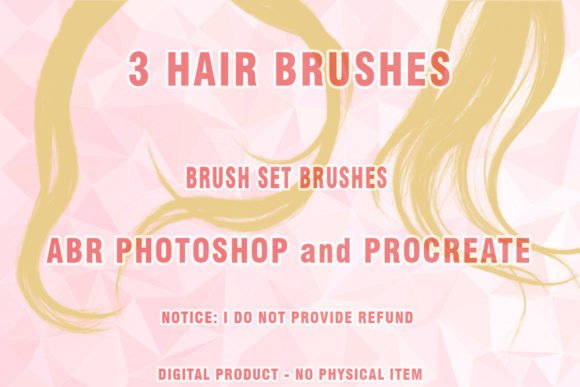
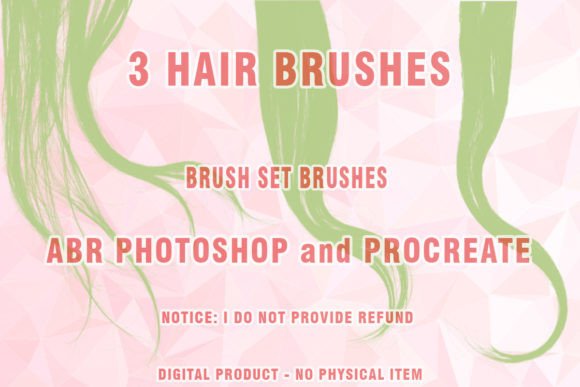
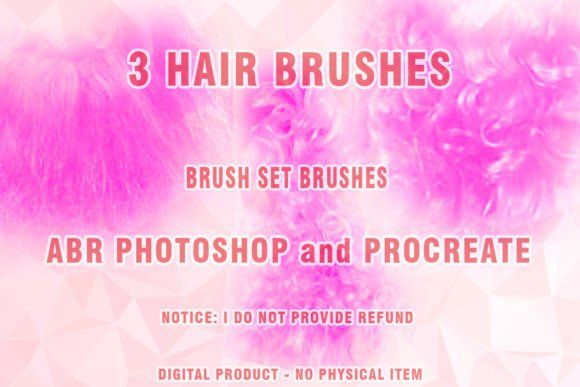
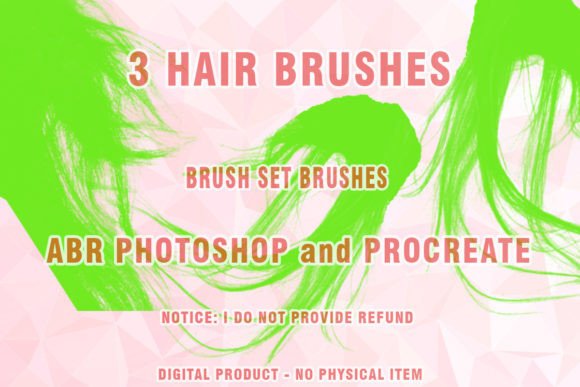
Before diving into artistic applications, it is essential to understand the technical foundation of this product. This is a digital product, meaning there is no physical shipment. Upon purchase, you download the file and receive hair brushes directly to your device. The core of this collection is delivered in the .ABR format, which is the native brush preset format for Adobe Photoshop. Additionally, the inclusion of Procreate-compatible files ensures that iPad users are not left behind, bridging the gap between desktop and mobile workflows.
The files are compressed in .ZIP format to ensure quick and secure downloads. Once extracted, users will find the Brush set ready for installation. It is important to note a critical compatibility consideration: This set may or may not work partially on very old versions of Photoshop that are no longer supported by developers CS3 or earlier versions. Modern brush engines rely on advanced rendering capabilities introduced in later iterations of Creative Cloud. Therefore, for optimal performance and full feature access, using a recent version of Photoshop is highly recommended. This ensures that all dynamics, such as scatter, jitter, and shape dynamics, function as intended by the creator.
Key Features of the 43-Brush Collection
The number 43 is not arbitrary; it represents a comprehensive range of tools designed to cover every stage of the hair-painting process. A typical workflow involves blocking in shapes, defining major clumps, adding mid-tone details, and finally, rendering fine stray hairs. This collection addresses each phase:
- Base Volume Brushes: These are broader, softer brushes used to establish the overall shape and mass of the hairstyle. They help in laying down the foundational shadows and highlights without getting bogged down in detail too early.
- Strand Definition Brushes: These are the workhorses of the set. Designed to paint coherent groups of hair, they allow for the creation of realistic flow and direction. They are ideal for the main body of the hair.
- Flyaway and Detail Brushes: No head of hair is perfectly neat. These finer brushes add those crucial imperfections—stray hairs, frizz, and edge details—that breathe life into the illustration.
- Texture and Noise Brushes: Useful for adding grain or specific textural qualities, such as the coarseness of curly hair or the sleekness of straight, treated hair.
Furthermore, the inclusion of Wigs Photoshop Brushes and Wigs ABR Photoshop specific presets suggests a tailored approach for character designers who frequently deal with stylized or non-natural hair colors and shapes. These brushes often have higher opacity and more defined edges, suitable for the bold lines seen in anime or comic book styles.
Practical Applications Across Industries
The utility of Digital hair tools extends far beyond fine art illustration. Various professionals can leverage this Brush set to enhance their output:
- Concept Artists: In the gaming and film industries, speed is vital. Concept artists must iterate through dozens of character designs quickly. Using Painted hair techniques with these brushes allows for rapid prototyping of character looks, enabling faster feedback loops with art directors.
- Photo Retouchers: High-end beauty retouching often requires hair enhancement. Whether it is filling in thinning areas, adding volume, or correcting color inconsistencies, Hair ABR tools provide a non-destructive way to augment photographic reality. The ability to blend digital strokes seamlessly with photographic textures is a key advantage here.
- Fashion Illustrators: For those creating digital lookbooks or fashion sketches, hair is a major component of the silhouette. The fluidity of these brushes helps capture the movement of hair in wind or motion, adding dynamism to static fashion plates.
- Portrait Artists: Freelance artists who take commissions for digital portraits benefit significantly. Clients expect a high degree of likeness, and hair is often a defining feature. These brushes reduce the time spent on rendering, allowing artists to take on more commissions without sacrificing quality.
Evaluating Suitability for Your Workflow
While the Hair Brushes Procreate and Photoshop 43 set is powerful, it is not a magic button. Understanding its limitations and requirements is key to successful integration. First, these brushes require a degree of manual skill. They assist in the execution, but the artist must still understand light, form, and color theory. A brush cannot fix poor underlying anatomy or incorrect lighting values.
Secondly, consider your hardware. Pressure-sensitive tablets are essential for getting the most out of these tools. The variation in line weight and opacity is driven by how hard you press. Without a tablet, the brushes may feel flat and unresponsive. For Procreate users, the Apple Pencil’s tilt and pressure sensitivity are fully utilized, making it an excellent platform for this specific asset pack.
Another consideration is the learning curve. Switching from standard brushes to specialized Abr brushes requires experimentation. Users should spend time adjusting the settings within Photoshop or Procreate. Tweaking the spacing, scatter, and angle jitter can customize the brushes to fit personal preferences. It is advisable to create test sheets, trying out each of the 43 brushes on different background colors to see how they blend and react.
Maximizing Value Through Technique
To truly benefit from this digital product, artists should adopt a layered approach. Start with a solid base color. Use the larger volume brushes to block in the darks and lights. Then, gradually move to the smaller strand brushes. Avoid painting every single hair; instead, suggest detail where the eye is naturally drawn, such as around the face and the ends of the hair. Leave the back and interior areas less detailed to maintain focus and save time.
Color variation is also crucial. Real hair is rarely one solid color. Use the brushes with low-flow settings to glaze in highlights and lowlights. Mix warm and cool tones to simulate environmental lighting. The Wigs Photoshop Brushes can be particularly effective here for adding vibrant, unnatural colors if you are working in a stylized genre, as they often hold saturation well.
Conclusion
The Hair Brushes Procreate and Photoshop 43 collection offers a robust solution for artists struggling with the complexities of rendering hair. By providing a diverse range of tools—from broad volume builders to fine detailers—it empowers creators to work more efficiently and achieve more realistic results. Whether you are a seasoned professional looking to speed up your workflow or a beginner seeking to understand the mechanics of digital hair, this set provides the necessary infrastructure for success. Remember, the tool is only as good as the hand that wields it. With practice, patience, and a willingness to experiment, these Digital brush assets can transform your digital art, bringing your characters and subjects to life with every stroke. Download the .ZIP file, install the .ABR presets, and start exploring the endless possibilities of digital strand creation today.