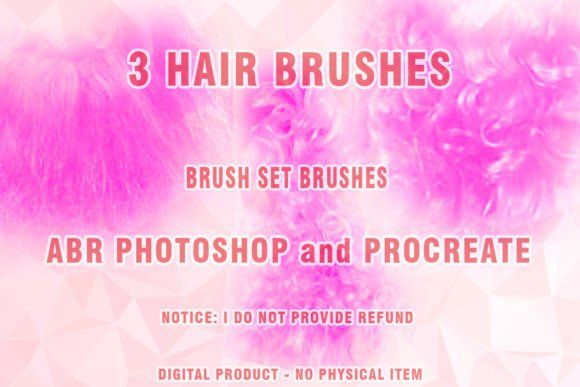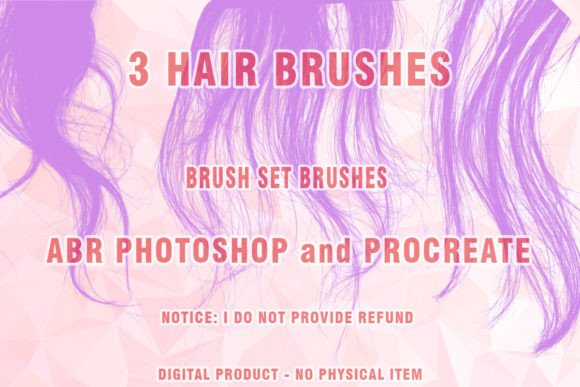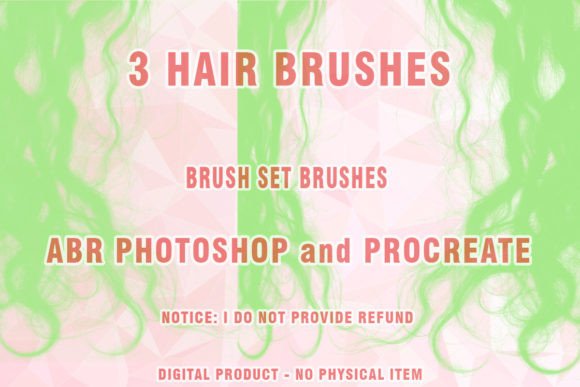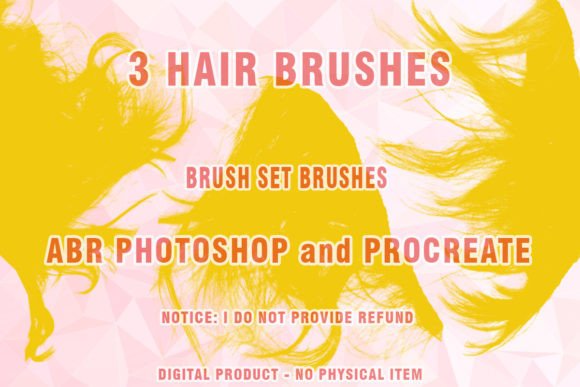
Mastering Texture: A Deep Dive into Mohair Procreate Brushes for Digital Artists
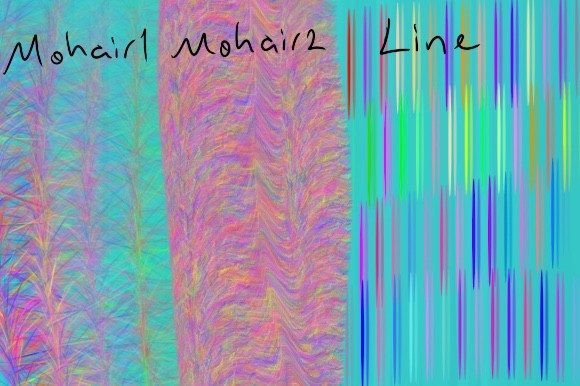
The digital art landscape has undergone a significant transformation in recent years. Where once the pursuit of realism meant mimicking oil paints or watercolors with perfect precision, today’s creators are increasingly drawn to the tactile, imperfect beauty of physical media. Among the most sought-after textures in this movement is mohair—a soft, lustrous fiber known for its halo effect and depth. For iPad artists using Procreate, integrating this specific texture into their workflow is no longer just a novelty; it is a strategic choice that enhances visual storytelling and emotional resonance. This article explores the utility of specialized Mohair Procreate Brushes, examining how a compact yet powerful set—specifically one that includes two lint brushes and one line brush—can redefine your creative process.
The Shift Toward Tactile Digital Art
In an era dominated by sleek, vector-based graphics and ultra-clean UI design, there is a growing counter-movement toward warmth and organic imperfection. Viewers and clients alike are responding positively to artwork that feels "hand-made," even when created on a glass screen. This shift is not merely aesthetic; it reflects a broader cultural desire for authenticity. Digital tools that can replicate the fuzzy, light-catching qualities of natural fibers like mohair allow artists to bridge the gap between the digital and physical worlds.
Traditional digital brushes often struggle with the complexity of fibrous textures. Standard round or flat brushes lay down color uniformly, lacking the chaotic, airy structure of real wool or mohair. This is where specialized brush sets become essential. By utilizing tools designed specifically to mimic the scattering of light through fine fibers, artists can add a layer of sophistication to character designs, fashion illustrations, and atmospheric backgrounds. The relevance of these tools lies in their ability to save time while achieving a level of detail that would otherwise require hours of manual stippling or layering.
Deconstructing the Toolkit: Lint and Line Brushes
When evaluating a new brush set, it is crucial to understand the specific function of each tool. A typical high-quality mohair set is not about quantity but about precision and versatility. Consider a download package that includes two lint brushes and one line brush. At first glance, this may seem minimal, but each component serves a distinct purpose in the rendering pipeline.
The Role of Lint Brushes
The two lint brushes are the workhorses of the set. "Lint" in this context refers to the short, fuzzy fibers that create the soft halo around a subject. These brushes are engineered to scatter pixels in a way that mimics the random orientation of natural hair.
- The Primary Lint Brush: This tool is typically designed for broader coverage. It is ideal for blocking in the general shape of a sweater, a blanket, or a furry creature. Its opacity and flow settings are usually calibrated to build up density gradually, allowing the artist to control the thickness of the fabric visually.
- The Detail Lint Brush: The second lint brush often features a finer tip or a different scattering algorithm. It is used for adding highlights, defining edges, and creating the illusion of individual strands catching the light. This brush is essential for breaking up solid shapes and preventing the artwork from looking flat or plastic.
Together, these two brushes allow for a layered approach. You start with the primary brush to establish volume and then use the detail brush to refine the texture, creating a realistic sense of depth without overwhelming the canvas with unnecessary noise.
The Precision of the Line Brush
While texture adds atmosphere, structure maintains clarity. The single line brush included in the set is designed to complement the softness of the lint brushes. Unlike standard ink brushes, a mohair-specific line brush often has a slight texture or taper that prevents it from looking too rigid against the fuzzy background. It allows artists to define contours, stitch lines, or facial features without breaking the immersive quality of the piece. This balance between soft texture and sharp definition is critical for professional-grade illustrations, particularly in fashion design where the drape and seam of a garment must be clear despite the fluffy texture of the material.
Integrating Mohair Textures into Modern Workflows
For professionals and freelancers, efficiency is paramount. The integration of specialized brushes like these into a daily workflow offers several practical advantages. First, it reduces the need for complex layer masks and manual blending. Instead of spending twenty minutes trying to paint a convincing wool scarf using standard tools, an artist can achieve a similar result in minutes using the appropriate lint brush. This speed does not compromise quality; rather, it allows more time for composition, lighting, and narrative elements.
Moreover, these tools align with the current trend of "stylized realism." Many modern illustrators, particularly those working in editorial, children’s books, and concept art, favor a style that is recognizable yet artistic. Mohair textures fit perfectly into this niche. They add a cozy, inviting feel to characters and environments, making them particularly effective for brands aiming to convey comfort, luxury, or warmth.
Consider a marketer creating social media content for a winter clothing brand. Using Mohair Procreate Brushes to illustrate a campaign can evoke a sensory response in the audience. The visual suggestion of softness can translate into a perceived value of the product, enhancing engagement rates. Similarly, educators teaching digital illustration can use these brushes to demonstrate how texture influences mood and perception, providing students with tangible examples of technical skill meeting artistic intent.
Best Practices for Using Fibrous Brushes
To get the most out of your download, it is important to adopt best practices that respect the nature of the tool. Here are some recommendations for maximizing the potential of your two lint brushes and one line brush:
- Layer Management: Use separate layers for base colors, shadow, and highlight textures. This non-destructive approach allows you to adjust the intensity of the mohair effect without altering the underlying form. Set the lint brushes to "Multiply" for shadows and "Screen" or "Add" for highlights to simulate how light interacts with fibers.
- Pressure Sensitivity: Take advantage of the Apple Pencil’s pressure sensitivity. Light strokes should produce sparse, airy lint, while heavier pressure builds density. Practice varying your stroke weight to create natural transitions between thick and thin areas of fabric.
- Color Variation: Real mohair is rarely a single flat color. Use the color picker to sample slightly varied tones from your base layer. When using the lint brushes, alternate between these subtle variations to create depth and prevent the texture from looking repetitive or artificial.
- Combining with the Line Brush: Do not overuse the line brush. Let the lint brushes do the heavy lifting for form. Use the line brush sparingly to anchor key features, such as the edge of a collar or the fold of a sleeve. This contrast ensures the artwork remains readable.
The Future of Digital Texture
As tablet technology advances and screen resolutions improve, the demand for high-fidelity textures will continue to grow. Users are becoming more discerning, able to spot the difference between a generic filter and a thoughtfully crafted brush engine. Tools like Mohair Procreate Brushes represent a maturation of the digital art market. They are not just shortcuts; they are specialized instruments that expand the expressive range of the medium.
For entrepreneurs and business owners in the creative sector, understanding these tools is also a matter of staying competitive. Clients are increasingly asking for unique, hand-crafted aesthetics that stand out in a saturated digital marketplace. Offering services that include high-end textural work can differentiate a freelancer or agency from competitors who rely on standard, flat digital styles.
In conclusion, the inclusion of two lint brushes and one line brush in a mohair-focused set provides a balanced, efficient solution for artists seeking to enhance their textural repertoire. By understanding the specific roles of each brush and integrating them into a thoughtful workflow, creators can produce work that is not only visually striking but also emotionally resonant. Whether you are illustrating a children’s book, designing a fashion concept, or simply exploring new artistic horizons, mastering these tools opens up a world of soft, luminous possibilities.