Master Digital Hair with 44 Pro Brushes
Digital illustration has evolved rapidly, yet one element remains notoriously difficult to perfect: hair. Whether you are sketching a character concept, refining a fashion illustration, or adding realistic details to a portrait, rendering strands that look natural rather than plastic requires both skill and the right tools. This is where specialized toolsets like Hair Brushes Procreate and Photoshop 44 become indispensable assets in your creative workflow. By integrating these resources, artists can bypass hours of manual detailing and focus on the artistic expression that truly defines their work.
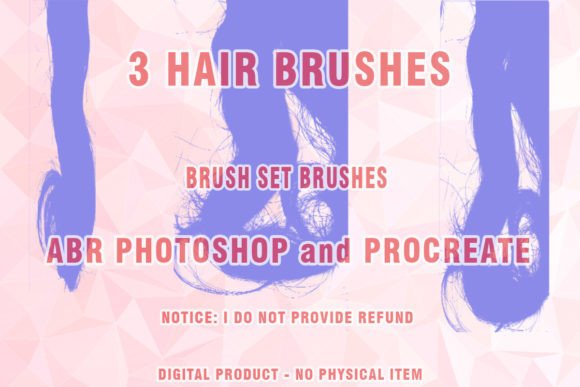
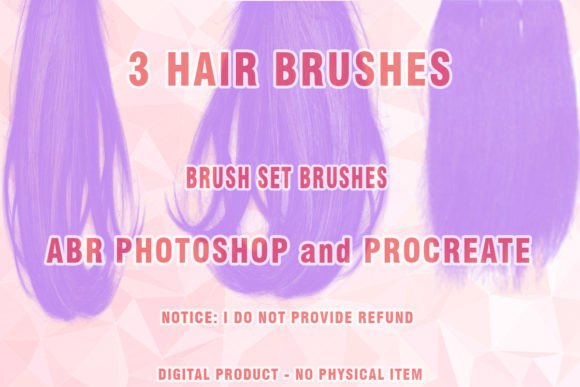
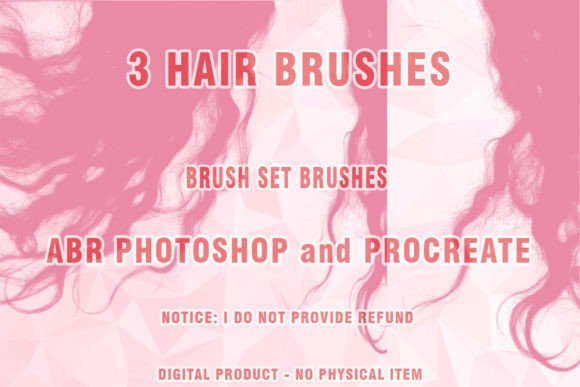
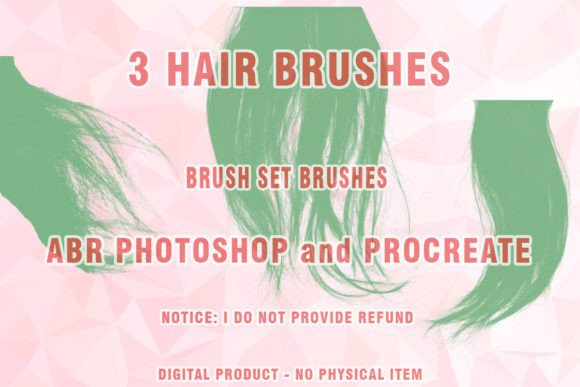
This collection is not just a random assortment of stamps; it is a curated suite designed to mimic the physics and flow of real hair. The package includes 44 distinct brushes optimized for both Procreate and Adobe Photoshop, alongside three additional wig-specific brushes. For professionals who switch between iPad and desktop workflows, this cross-platform compatibility ensures consistency in texture and stroke behavior, regardless of the device used.
Understanding the Technical Foundation
At its core, this product is a digital download containing brush files in the .ABR format, which is the standard for Adobe Photoshop. Because modern creative suites are robust, these brushes leverage pressure sensitivity, tilt, and velocity data to create dynamic strokes. When you press harder, the brush may lay down more pigment or widen the strand; when you lighten your touch, it creates fine, wispy ends. This responsiveness is crucial for achieving the "painted hair" look that feels organic rather than repetitive.
It is important to note the technical requirements before purchasing. The files are compressed in a .ZIP format, meaning you will need a ZIP program to extract them before installation. While this is a minor step, it is essential for accessing the individual .ABR files. Furthermore, while these brushes are designed for modern performance, users should be aware of software compatibility. The set works seamlessly with current versions of Photoshop and Procreate. However, if you are still operating on very old versions of Photoshop, such as CS3 or earlier, the set may not work partially or at all. These legacy versions are no longer supported by developers, and they lack the advanced brush engine features required to interpret the complex dynamics embedded in these modern tools.
Key Characteristics and Strengths
The primary strength of this brush set lies in its versatility. It does not force a single style upon the user. Instead, it offers a range of textures suitable for various artistic approaches:
- Variety in Strand Thickness: From coarse, thick locks to fine, baby hairs, the 44 brushes cover a wide spectrum of hair types.
- Natural Flow Dynamics: The brushes are engineered to follow the cursor’s movement smoothly, reducing the jagged edges often seen with standard round brushes.
- Wig-Specific Tools: The inclusion of three dedicated Wigs Photoshop Brushes addresses a niche but common need for character designers and fashion illustrators who need to render structured, voluminous hairstyles quickly.
- Cross-Platform Utility: Being compatible with both Procreate and Photoshop allows freelancers and studio artists to maintain a unified workflow across different hardware.
These characteristics make the Hair ABR files particularly valuable for those who prioritize efficiency without sacrificing quality. The ability to switch between a broad filler brush and a detailed strand brush within the same panel streamlines the rendering process significantly.
Practical Applications Across Industries
The utility of Hair Brushes Procreate and Photoshop 44 extends beyond hobbyist drawing. Professionals in various sectors can leverage these tools to enhance productivity and output quality.
Character Design and Concept Art
For game developers and animators, time is money. Concept artists must iterate quickly on character designs. Using these digital hair tools allows for rapid prototyping of hairstyles. An artist can block in the general shape of a hairstyle using a broader brush and then refine the flyaways and highlights with finer tips, all within minutes. This speed facilitates faster feedback loops with art directors and clients.
Fashion Illustration and Marketing
In the fashion industry, visual appeal is paramount. Bloggers, marketers, and brand owners often require high-quality illustrations for social media campaigns or lookbooks. Painted hair adds a touch of elegance and realism to fashion sketches. By using the Wigs Photoshop Brushes, illustrators can create dramatic, voluminous styles that complement clothing designs, enhancing the overall aesthetic of the marketing material.
Educational Content and Tutorials
Educators and content creators who teach digital art can use this set to demonstrate proper layering techniques. Showing students how to build up hair volume using specific Abr brushes provides a tangible example of how tool selection impacts the final result. It serves as an excellent resource for workshops focused on portrait refinement.
Enhancing Usability and User Experience
Integrating a specialized brush set into your library improves the overall user experience of your digital canvas. One of the most significant benefits is the reduction of cognitive load. When you do not have to struggle with creating a believable hair texture from scratch using basic tools, you can focus more on composition, lighting, and color theory. This shift in focus often leads to higher quality artwork and greater creative satisfaction.
Moreover, consistent use of high-quality digital brush tools helps in establishing a recognizable personal style. Many successful illustrators are known for their distinctive way of rendering textures. By mastering this specific set, you can develop a signature look that resonates with your audience or clients, thereby strengthening your personal branding.
Considerations for Implementation
While these tools are powerful, they are not magic wands. To get the most out of Hair Brushes Procreate and Photoshop 44, consider the following best practices:
- Understand Hair Anatomy: Even the best brush cannot fix poor underlying structure. Always sketch the basic shape and flow of the hair before applying texture.
- Layer Management: Use separate layers for base colors, shadows, and highlights. This non-destructive approach allows you to adjust the intensity of the Hair ABR strokes without affecting the entire illustration.
- Experiment with Opacity: Do not always paint at 100% opacity. Lowering the flow and opacity can help build up gradual transitions, making the hair look softer and more realistic.
- Check Compatibility: Ensure your software is updated. As noted, older versions like CS3 may not support the advanced features of these brushes. Keeping your software current ensures you receive the full benefit of the toolset.
In conclusion, investing in a dedicated set of Wigs Photoshop Brushes and Procreate-compatible tools is a strategic move for any serious digital artist. The Hair Brushes Procreate and Photoshop 44 collection offers a blend of versatility, realism, and efficiency that can elevate your digital art portfolio. By understanding how to integrate these Abr brushes into your workflow, you unlock new possibilities for creativity and professional growth in the competitive world of digital illustration.